Here is another way to load programs into our beloved Commodore 64 or 128 (in 64 mode).
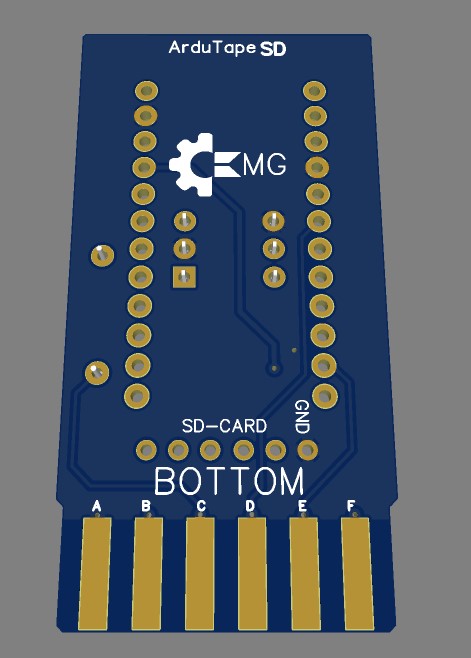
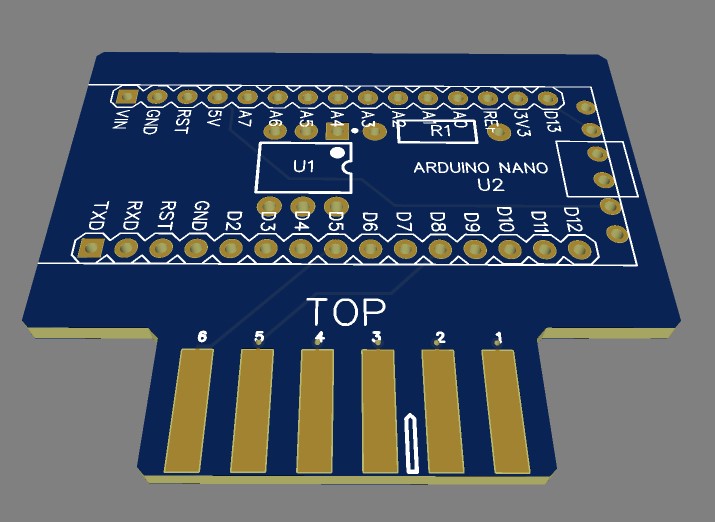
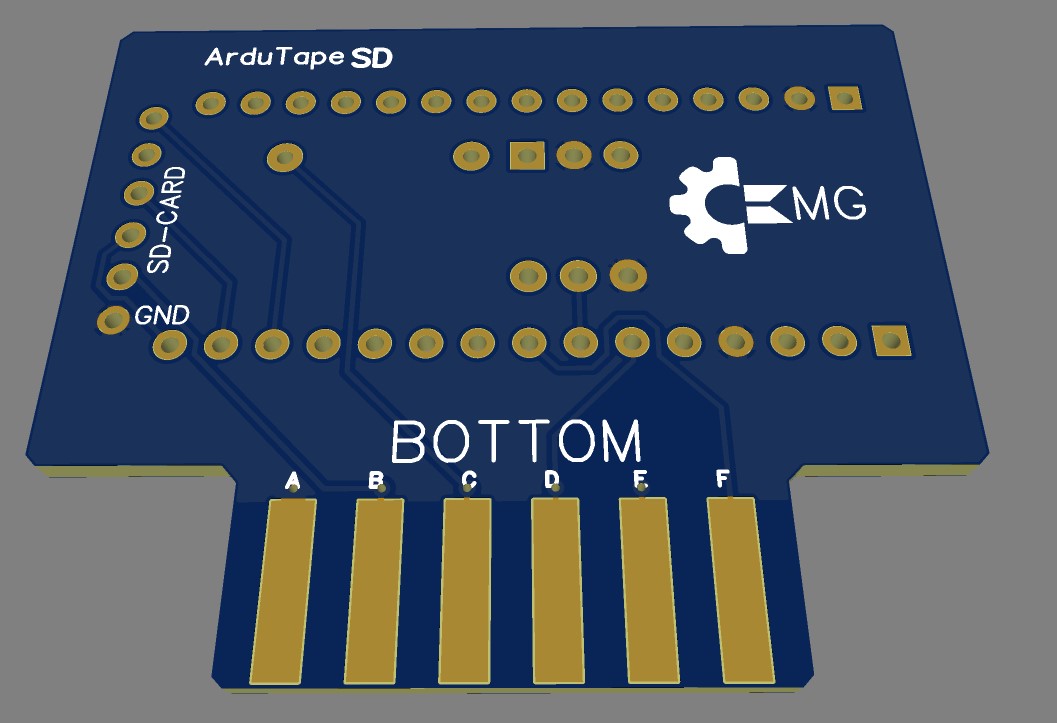
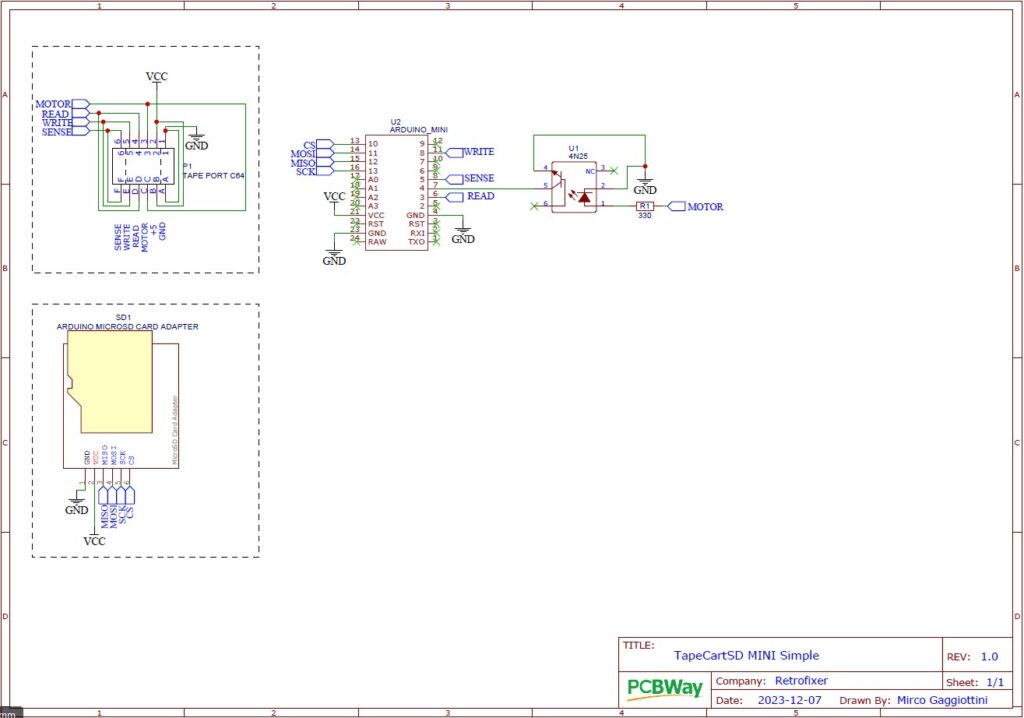
It’s a small board with very few components that connects to the C64’s cassette port. Everything revolves around an Arduino Mini or Nano, but you can also adapt it to other versions simply by following the schematic.
How does it work?
Our trusty Arduino will emulate the tape deck and, via the optocoupler, will know when the computer gives the command to start the tape motor, which means Arduino has to send the data. The rest is done by the firmware and the software on the SD card. On the card we must put a program called browser.prg, which is read as soon as we type load on the computer. This program is effectively our way of browsing the SD card: we choose the file to load with the keyboard and, as soon as we press Return, the file transfer from SD to computer begins, really fast. In a few seconds the program is loaded! This peripheral only reads PRG files; don’t even try with cartridges, TAPs or, worse still, D64s.
You can find this board in all sorts of forms depending on the micro used or how people decided to build the circuit. You can find it ready assembled or as various PCBs to complete with a microSD reader and an Arduino, plus a resistor and a 4n25.
Schematics
Building this board is very simple, and it can be done on a breadboard or even on stripboard. The only thing is connecting the 12-pin (6+6) female EDGE connector with 3.96mm pitch to our hand-built circuit.