I was recently given a Commodore 64 by Stefan, whom I thank once again. This historic home computer from the ’80s, which left its mark on an entire generation, was my first computer until 1994. After that I jumped straight to IBM PCs already running Windows 95, quite a quantum leap, as Sinclair would say.
Let’s get back to the computer and see whether it works and what needs doing.
🔍 First power-on and initial diagnosis
The first thing I did was connect the C64 to the TV and switch it on, hoping to see the classic BASIC prompt.
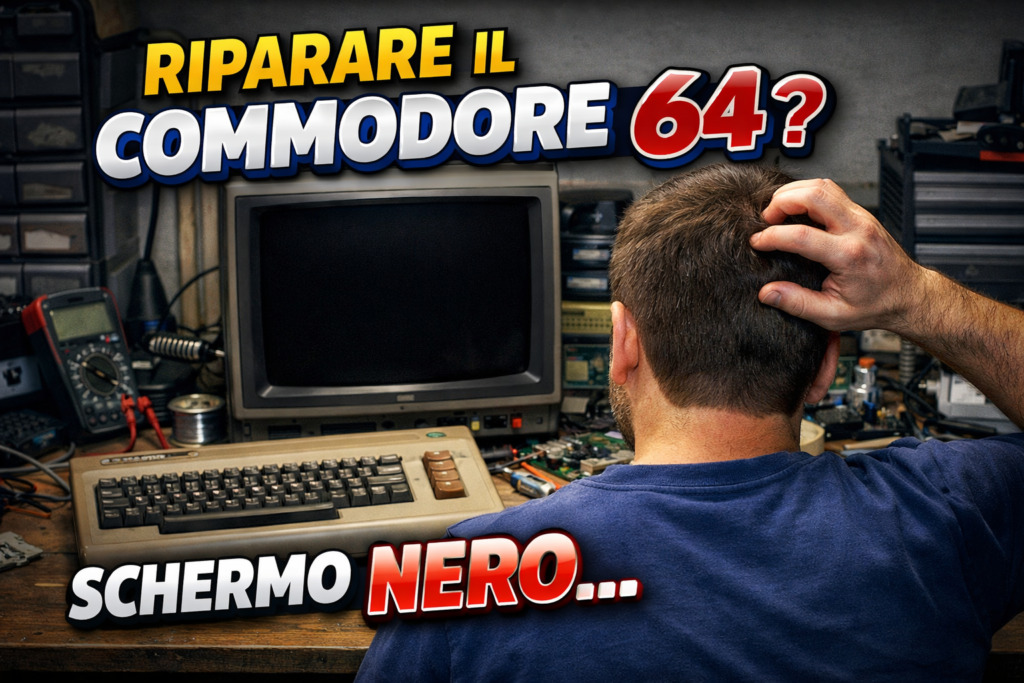
Unfortunately, although the power LED lit up, no valid image appeared on the screen. This is one of the most common symptoms in old Commodores: the computer often seems “alive” but produces no video signal, leaving the screen completely black.
Actually, it does produce a video signal, but an empty one: if there were no video signal we’d notice from the TV not locking on to or recognising the signal.
🔎 What I tested
To establish the source of the problem I followed these steps:
Power check: I checked that the power supply was giving the correct voltages (5 V and 9 V), because a faulty power supply often causes start-up problems or damaged hardware.
Internal visual inspection: I opened the machine and checked the general condition of the board.
Components running hot: I checked that no components were getting abnormally hot, a typical sign of something short-circuited.
❌ Faults found
The first tests with the Dead Test cartridge revealed some anomalies:
Completely black screen even with the DT, which means something is holding the bus, missing clock, faulty processor etc..
Faulty SID. I had been told the SID was faulty, and in fact there was a spare one in the parcel. This time the SID was shorted and prevented the computer from starting. I always recommend removing non-essential chips on a black screen. The SID isn’t essential for start-up and is always socketed; removing it costs nothing, but be careful to put it back in the right place. On different boards it may be above or below the PLA, and swapping them will fry it on the first go.
- PLA? On this model, if I have a black screen with the DT, I check signals such as the clock and activity on the processor; if they’re there, I go straight to the PLA, but in this case it wasn’t the only fault!
These symptoms can be caused by several components: from the video chip VIC-II, to the system ROMs, the CPU or the PLA (a sort of “logic brain” of the C64) — all elements that can cause a failure to start if they don’t work properly.
🔧 Repair and solutions adopted
To bring the Commodore 64 back to life I proceeded as follows:
Voltage check
Signal check on the CPU
✔️ PLA replacement and SID removal
✔️ Adjusted the clock frequency for the video colour signal
Using a dedicated diagnostic cartridge (“Dead Test”) to identify any faulty chips is very useful and can save us a lot of time. Sometimes, if the problem is a RAM chip, the computer flashes and tells us which one is faulty. If it doesn’t start, we can assume the CIAs and ROMs are good (unless something is shorted) and concentrate on the PLA and CPU
✨ Final result
After these operations the Commodore 64 was once again giving a video signal and correctly showing the BASIC screen at start-up! It’s hugely satisfying to see a piece of computing history working perfectly again.
Now all that’s left is to print some new hooks for the case, because this version uses small hooks that weaken and snap over time.
For the support hook STLs, you can find them on the various 3D model sharing sites; I used this one